The Content Management Platform for GIS
The Content Management Platform for GIS
Understand how your content connects across FME and ArcGIS.
Understand how your content connects across FME and ArcGIS.
Understand how your content connects across FME and ArcGIS.
Stop digging through screens and chasing dependencies. Ripple maps your GIS ecosystem end-to-end, so your team can troubleshoot faster, clean up safely, and back decisions with evidence.
Stop digging through screens and chasing dependencies. Ripple maps your GIS ecosystem end-to-end, so your team can troubleshoot faster, clean up safely, and back decisions with evidence.
Stop digging through screens and chasing dependencies. Ripple maps your GIS ecosystem end-to-end, so your team can troubleshoot faster, clean up safely, and back decisions with evidence.

What is Ripple?
What is Ripple?
The platform for managing all your GIS content.
The platform for managing all your GIS content.
The platform for managing all your GIS content.
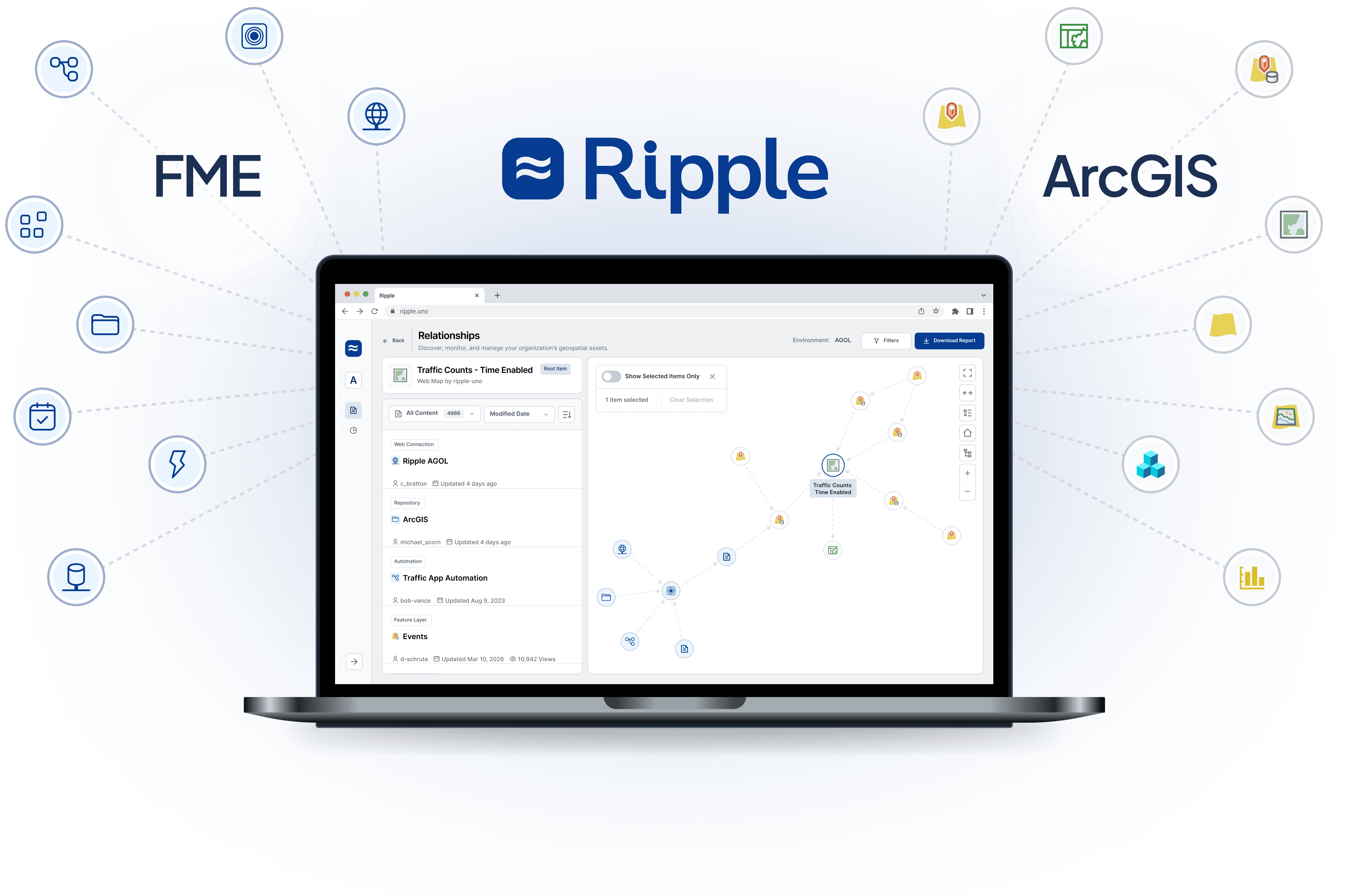
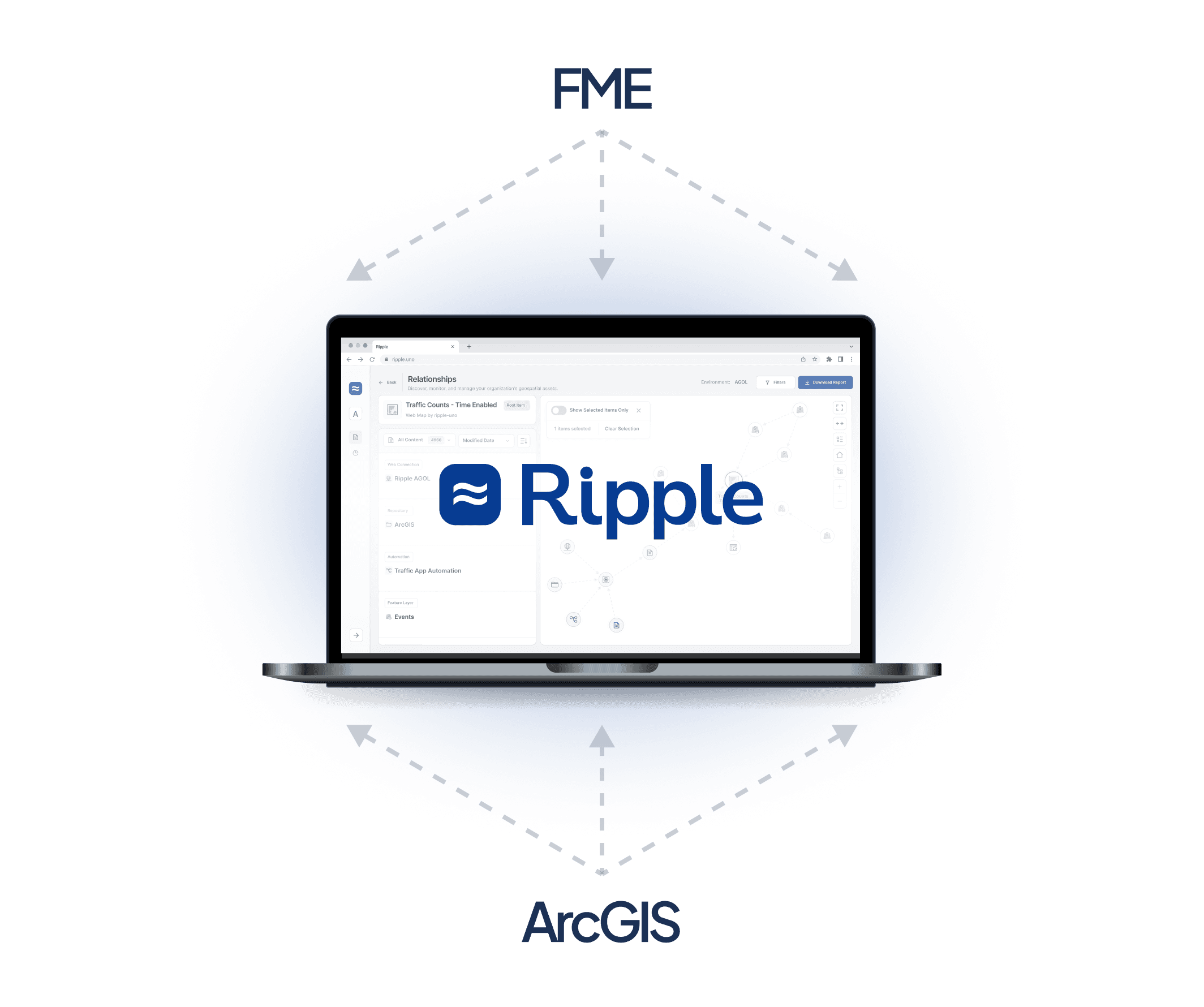
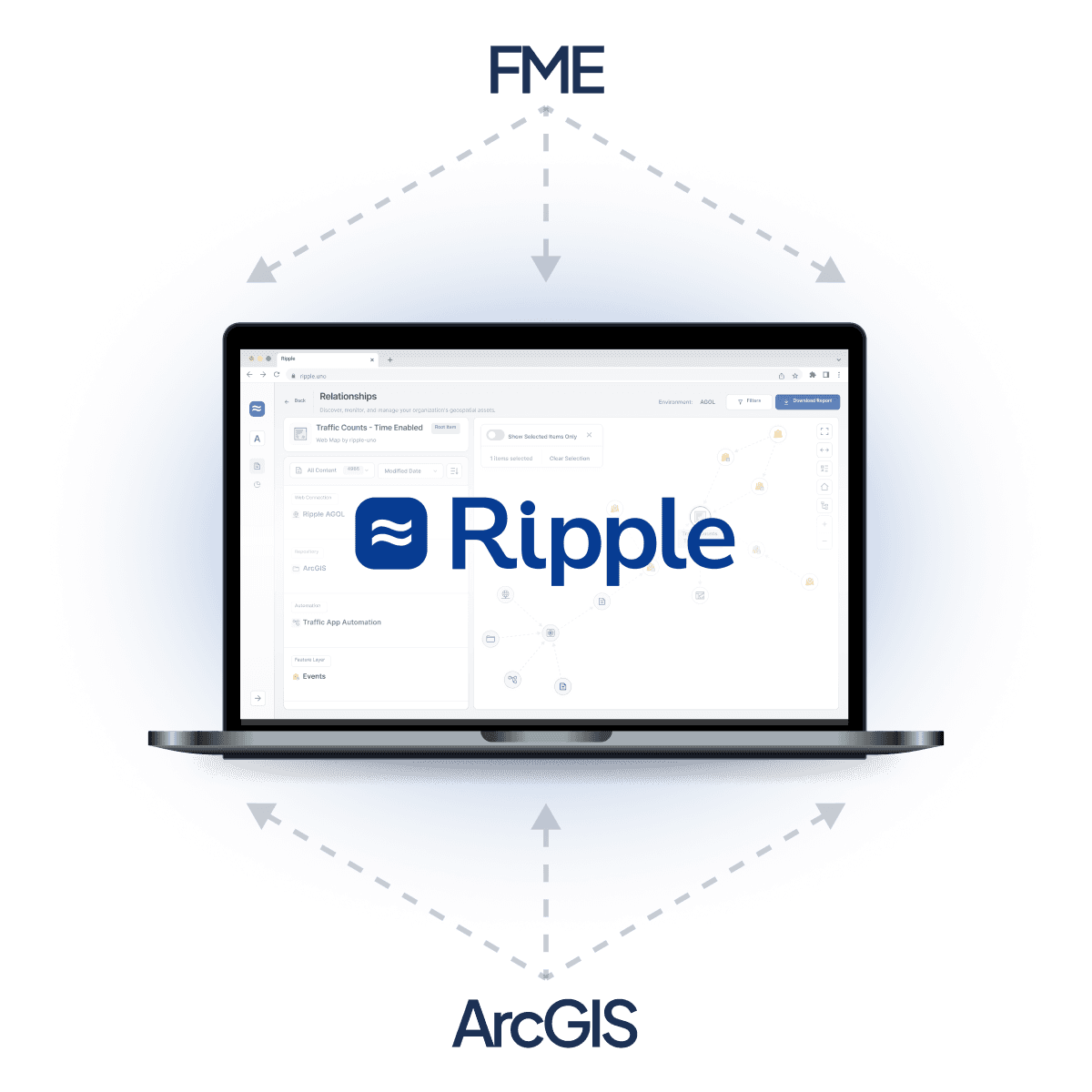
Find, troubleshoot, and report on your content across FME and ArcGIS, all in one place. No more switching between applications. No guesswork. Finally, the full picture, so you can make decisions with confidence.
Find, troubleshoot, and report on your content across FME and ArcGIS, all in one place. No more switching between applications. No guesswork. Finally, the full picture, so you can make decisions with confidence.
Why Teams Choose Ripple
Why Teams Choose Ripple
Time, trust, visibility, and the evidence to back it up.
Time, trust, visibility, and the evidence to back it up.
Time, trust, visibility, and the evidence to back it up.
Don’t get bogged down with admin. Whether you're troubleshooting a broken dashboard, justifying a licence renewal, or getting up to speed on someone else's work, Ripple gives your team the answers without the runaround.
Don’t get bogged down with admin. Whether you're troubleshooting a broken dashboard, justifying a licence renewal, or getting up to speed on someone else's work, Ripple gives your team the answers without the runaround.

Save hours every week
Stop hunting through workspaces and dashboards. Ripple finds the answers in seconds.
Save hours every week
Stop hunting through workspaces and dashboards. Ripple finds the answers in seconds.

See across platforms
Follow a relationship from an ArcGIS dashboard all the way up to an FME workspace.
See across platforms
Follow a relationship from an ArcGIS dashboard all the way up to an FME workspace.

Trust what you're looking at
Identify the authoritative version of an item and stop second-guessing duplicates.
Trust what you're looking at
Identify the authoritative version of an item and stop second-guessing duplicates.

Make your case
Quick, evidence-backed answers for managers, clients and colleagues, whenever you need them.
Make your case
Quick, evidence-backed answers for managers, clients and colleagues, whenever you need them.
The Challenge
The Challenge
GIS content management is one of the most frustrating jobs in the industry.
GIS content management is one of the most frustrating jobs in the industry.
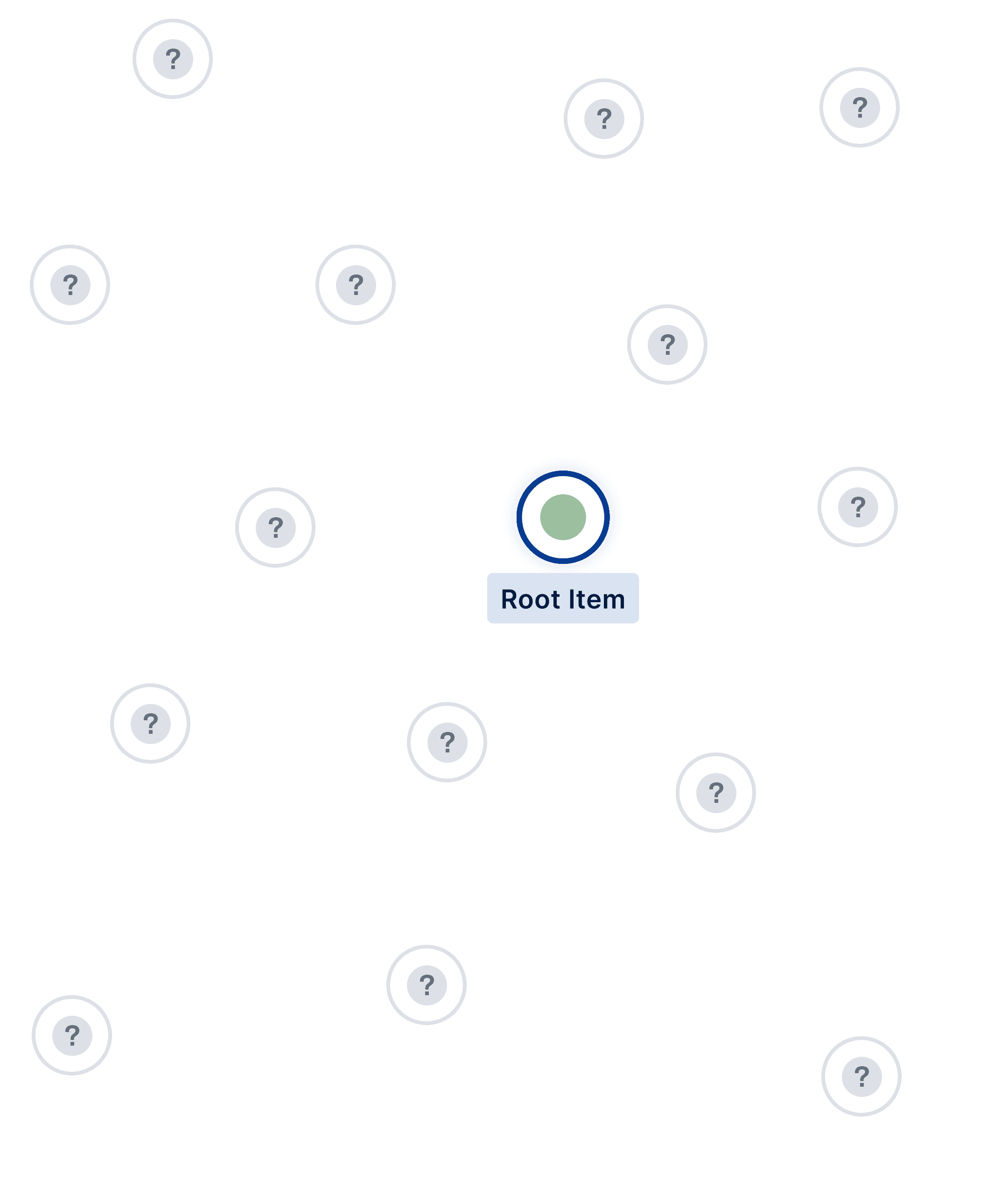
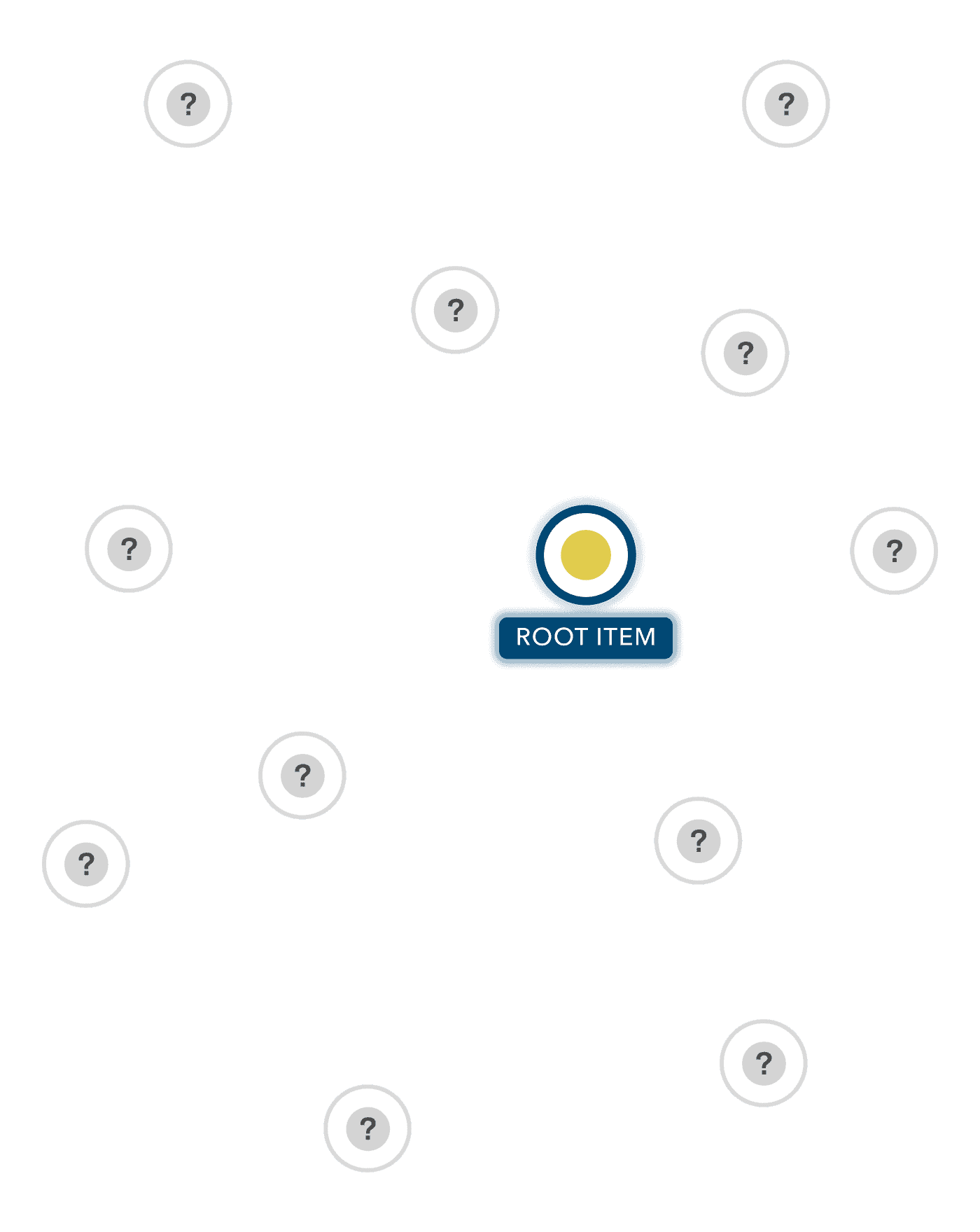
Most large organisations have vast amounts of content spread across ArcGIS and FME, and across multiple environments. It's been built over many years by different people, with different conventions. Nobody has the full picture. Knowledge gets lost. Duplicates appear. Dependencies tangle. And when something breaks, the cause is rarely where the problem first appears.
Meanwhile, your team is spending hours every week piecing things together, instead of making the decisions, building the solutions, and delivering the work they came here to do.
Most large organisations have vast amounts of content spread across ArcGIS and FME, and across multiple environments. It's been built over many years by different people, with different conventions. Nobody has the full picture. Knowledge gets lost. Duplicates appear. Dependencies tangle. And when something breaks, the cause is rarely where the problem first appears.
Meanwhile, your team is spending hours every week piecing things together, instead of making the decisions, building the solutions, and delivering the work they came here to do.
Most large organisations have vast amounts of content spread across ArcGIS and FME, and across multiple environments. It's been built over many years by different people, with different conventions. Nobody has the full picture. Knowledge gets lost. Duplicates appear. Dependencies tangle. And when something breaks, the cause is rarely where the problem first appears.
Meanwhile, your team is spending hours every week piecing things together, instead of making the decisions, building the solutions, and delivering the work they came here to do.
The Solution
The Solution
A holistic view of everything, across FME and ArcGIS.
A holistic view of everything, across FME and ArcGIS.
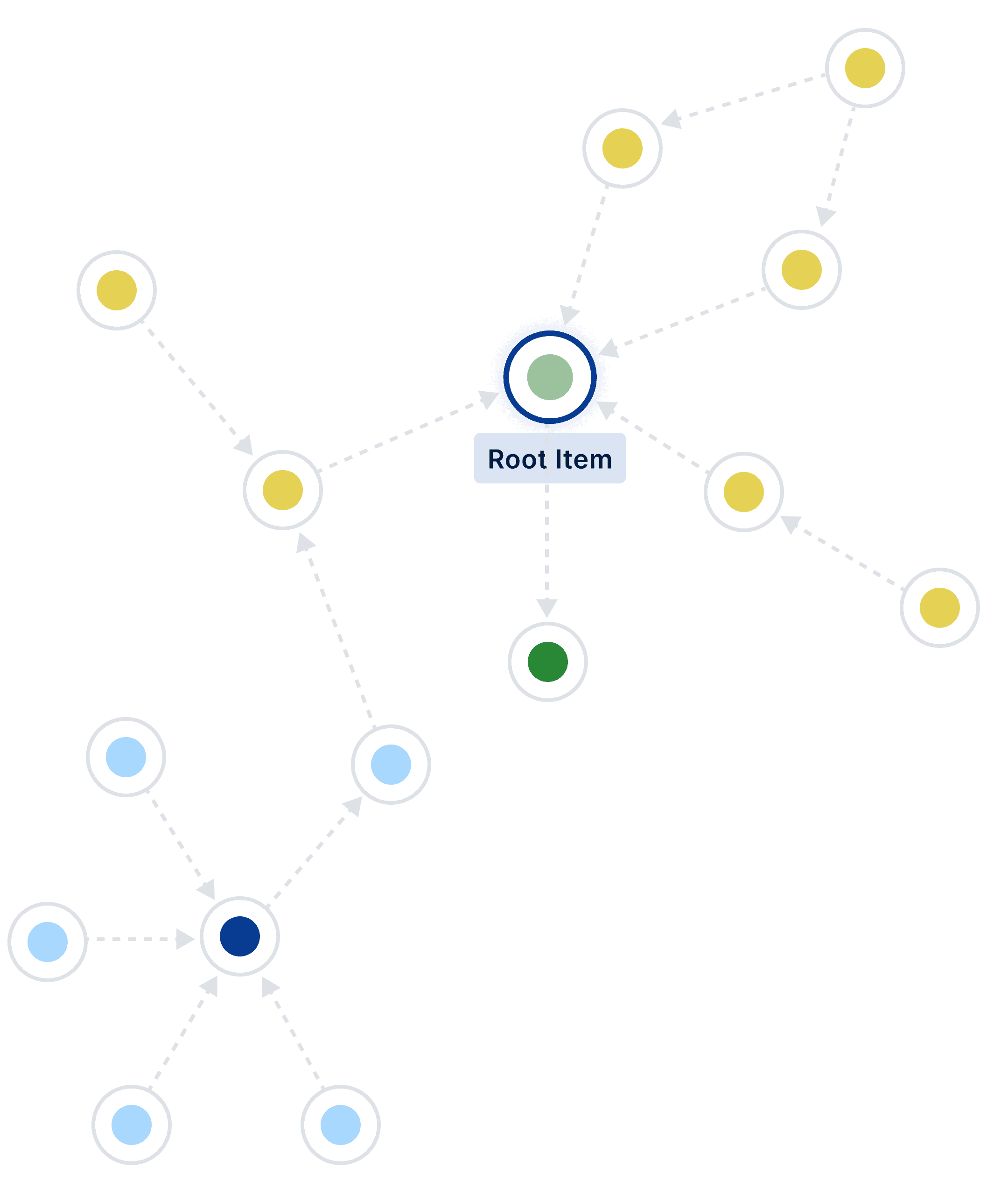
Ripple brings together all your content, so you can stay on top of your GIS ecosystem without jumping between applications. Drill into any item to see its history, dependencies, and connections across both platforms. Catch problems early. Build the reports you need for renewals, reviews and decisions.
Your team reclaims the hours they were spending piecing together information that only ever gave them half the picture. They make decisions with the evidence on hand and the confidence that comes from finally seeing how it all fits.
Ripple brings together all your content, so you can stay on top of your GIS ecosystem without jumping between applications. Drill into any item to see its history, dependencies, and connections across both platforms. Catch problems early. Build the reports you need for renewals, reviews and decisions.
Your team reclaims the hours they were spending piecing together information that only ever gave them half the picture. They make decisions with the evidence on hand and the confidence that comes from finally seeing how it all fits.
Ripple brings together all your content, so you can stay on top of your GIS ecosystem without jumping between applications. Drill into any item to see its history, dependencies, and connections across both platforms. Catch problems early. Build the reports you need for renewals, reviews and decisions.
Your team reclaims the hours they were spending piecing together information that only ever gave them half the picture. They make decisions with the evidence on hand and the confidence that comes from finally seeing how it all fits.
What Ripple Offers
What Ripple Offers
Answers at your fingertips, when you need them.
Answers at your fingertips, when you need them.
Answers at your fingertips, when you need them.
Whether you're tracing a relationship, scanning your ecosystem, building a report, or getting set up, Ripple has the feature for the job.
Whether you're tracing a relationship, scanning your ecosystem, building a report, or getting set up, Ripple has the feature for the job.
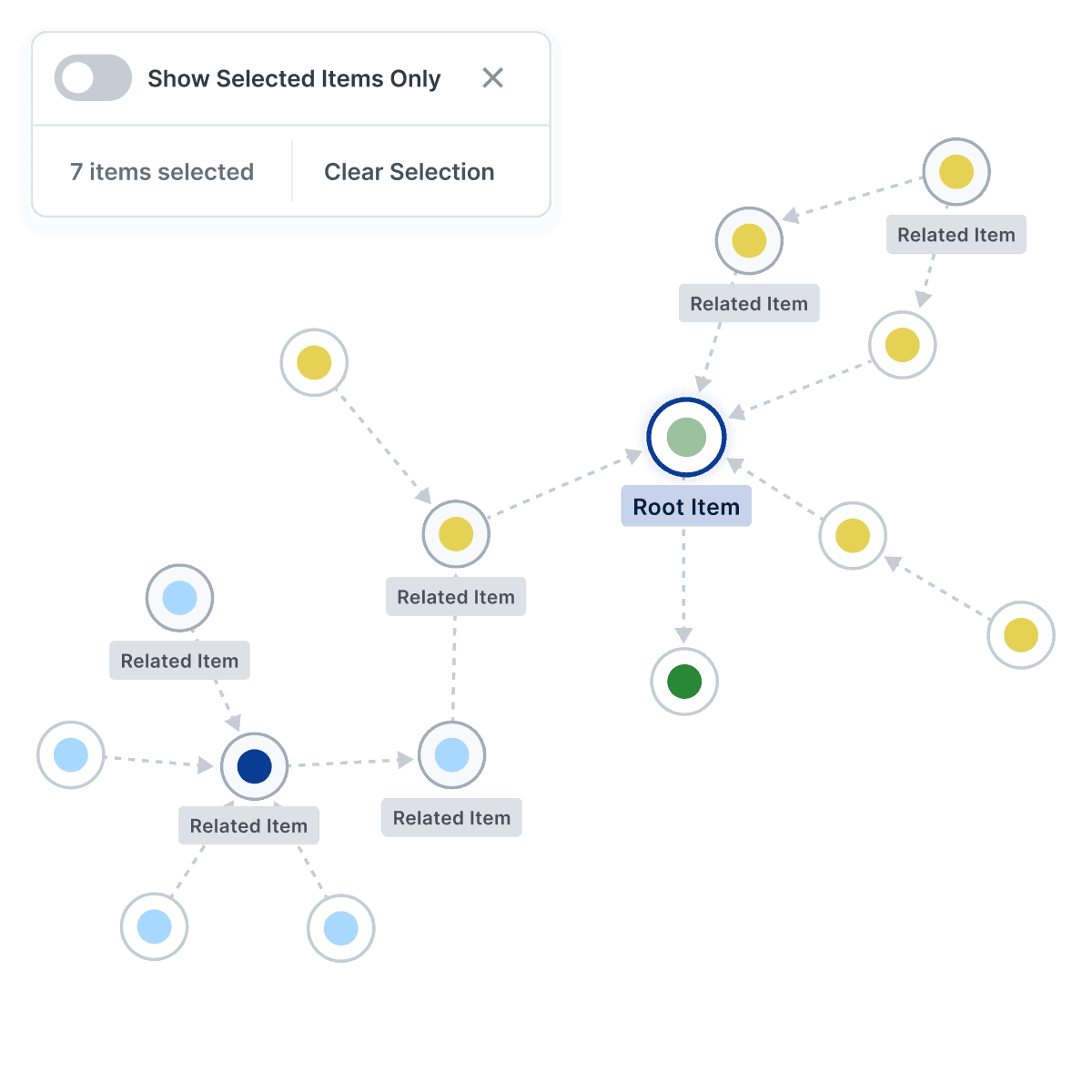
Relationship Mapping
Understand how everything connects
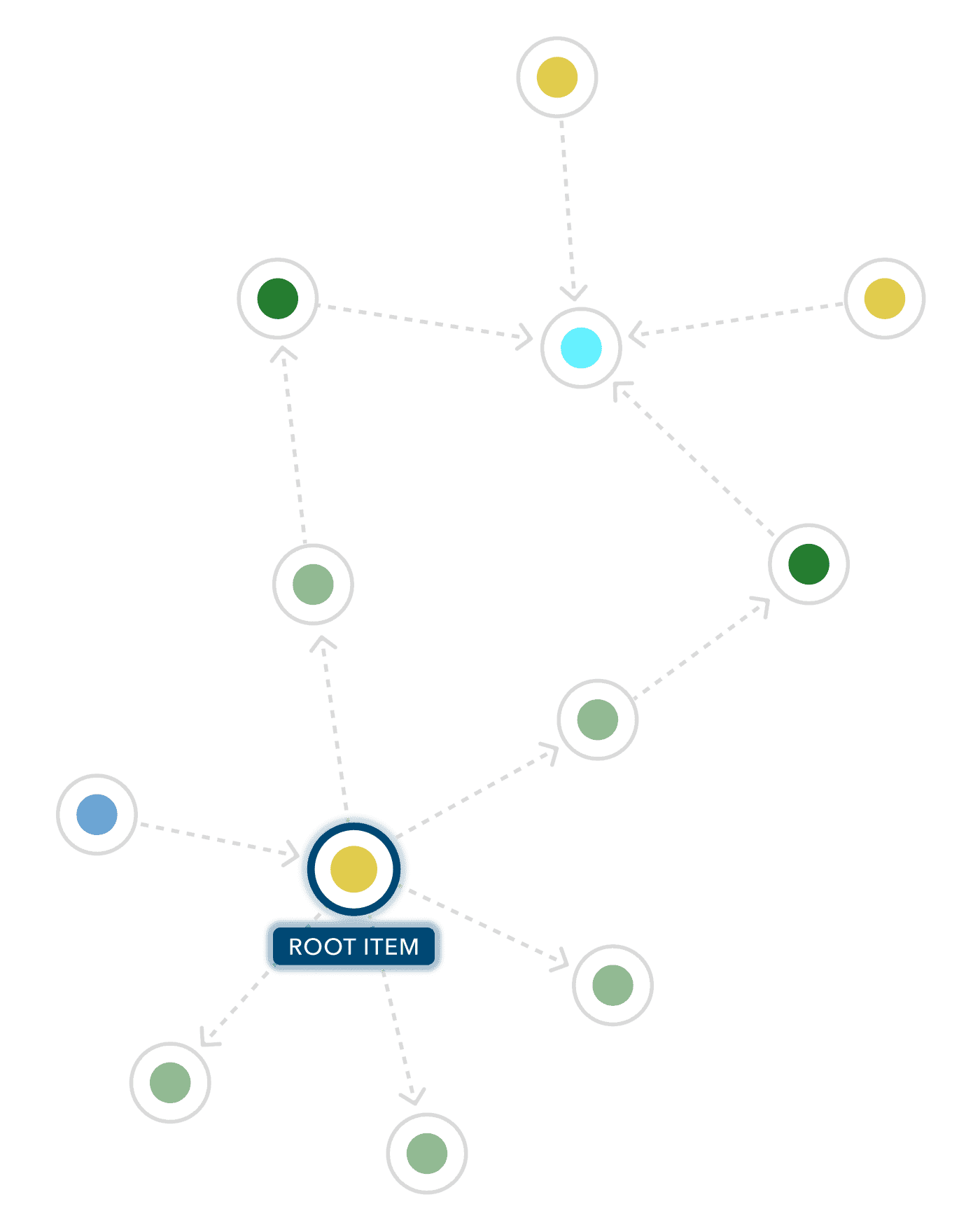
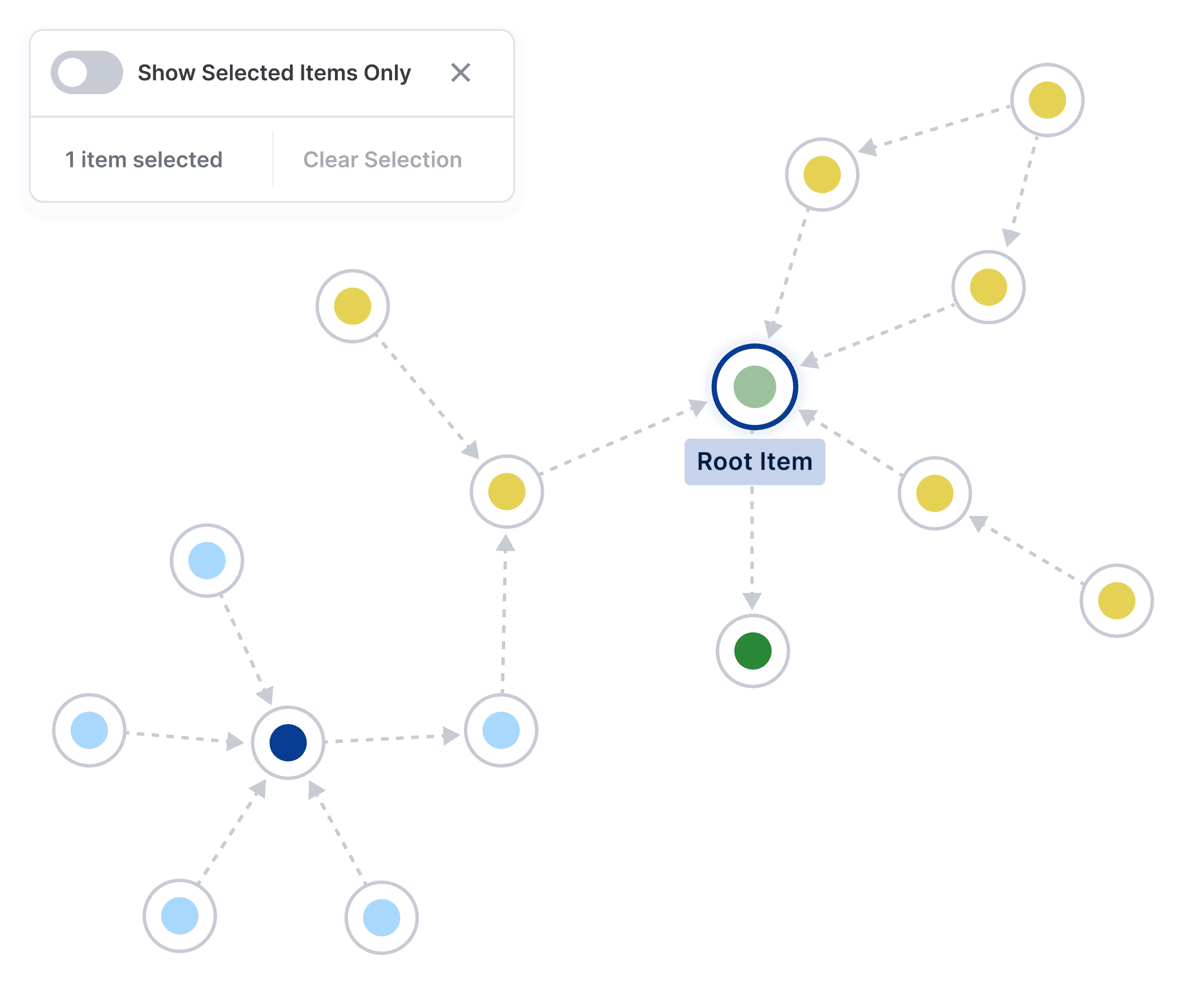
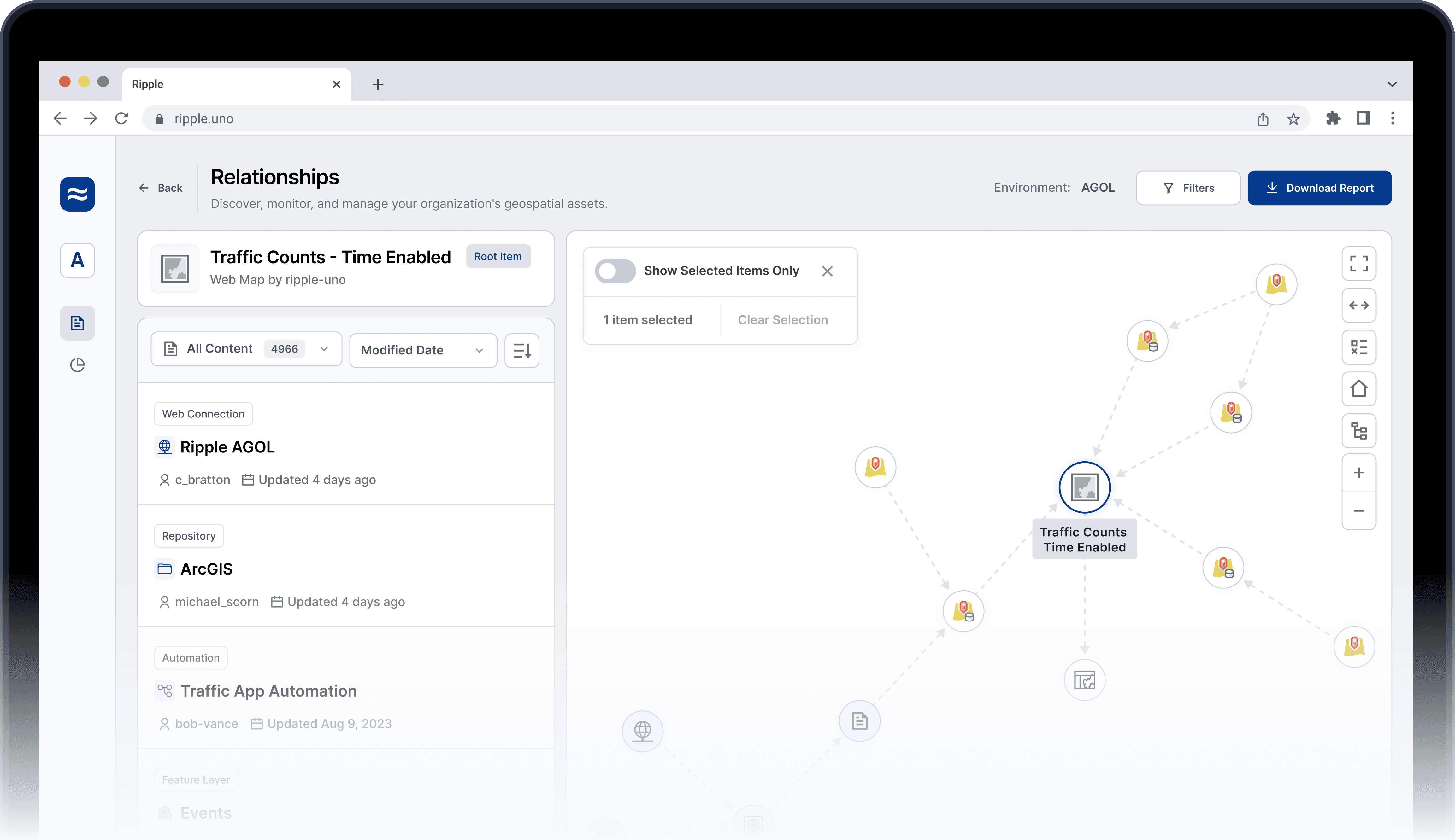
Ripple maps the full lineage of every item in your GIS ecosystem, end-to-end. Click into any item to see its upstream and downstream dependencies, and where it sits in the wider picture.
Relationship Mapping
Understand how everything connects
Ripple maps the full lineage of every item in your GIS ecosystem, end-to-end. Click into any item to see its upstream and downstream dependencies, and where it sits in the wider picture.
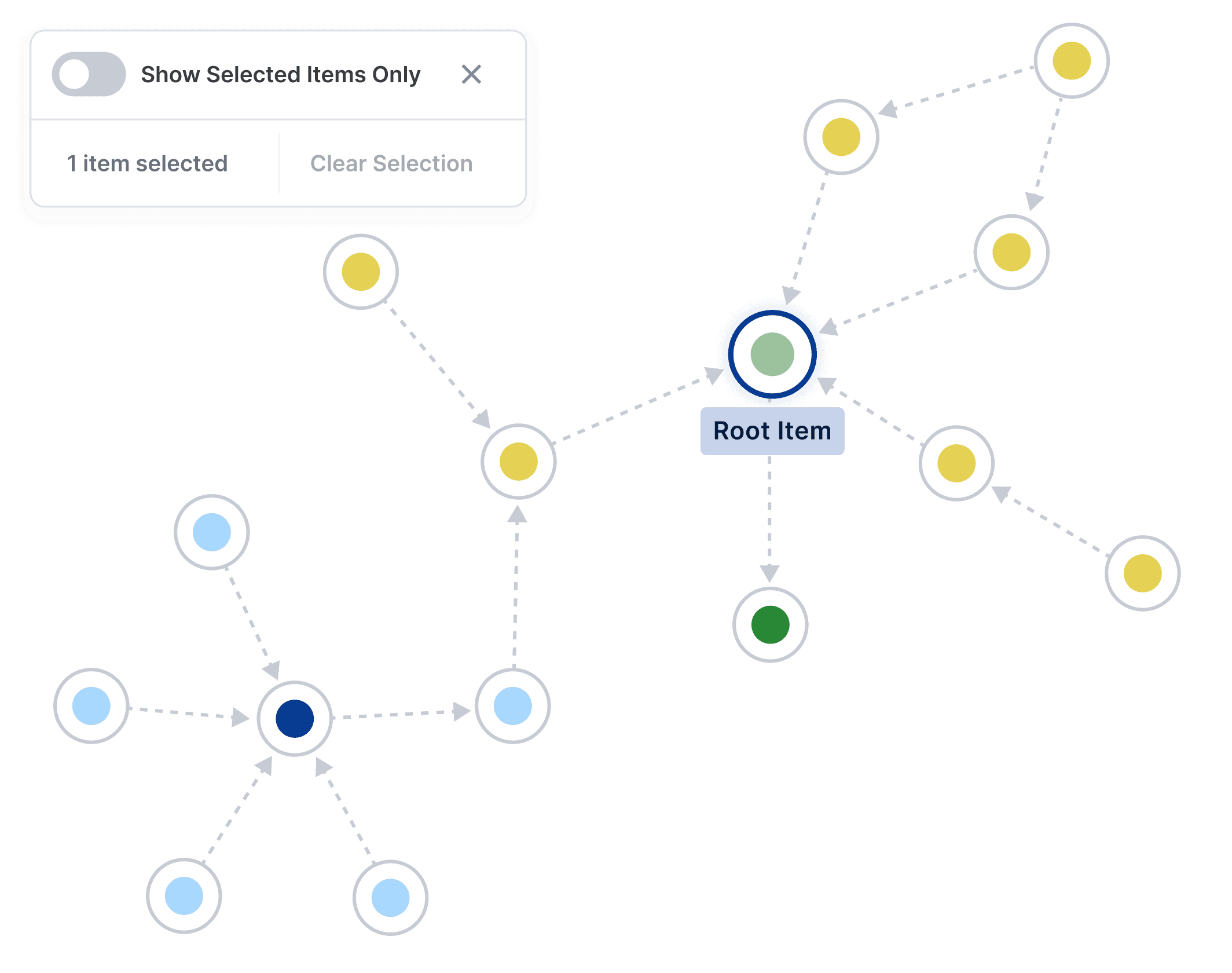
Relationship Mapping
Understand how everything connects
Ripple maps the full lineage of every item in your GIS ecosystem, end-to-end. Click into any item to see its upstream and downstream dependencies, and where it sits in the wider picture.
Cross-Platform Oversight
All your content, one view
Browse, search, filter and sort across multiple ArcGIS environments and FME instances in a single place; no more switching between applications to assemble an answer. Even staff without admin permissions can find what they need.
Reports and Insights
Data-backed answers, ready to share.
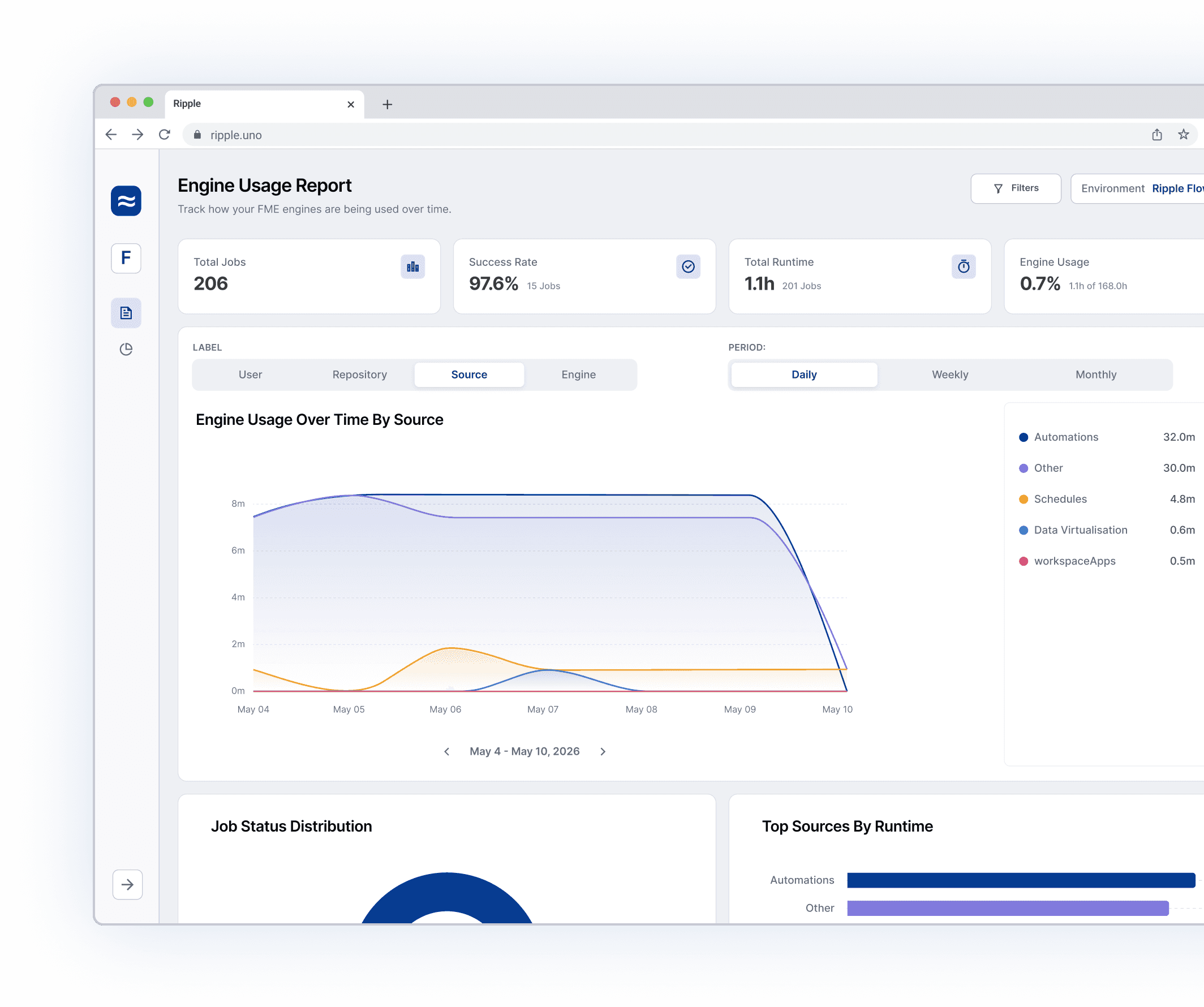
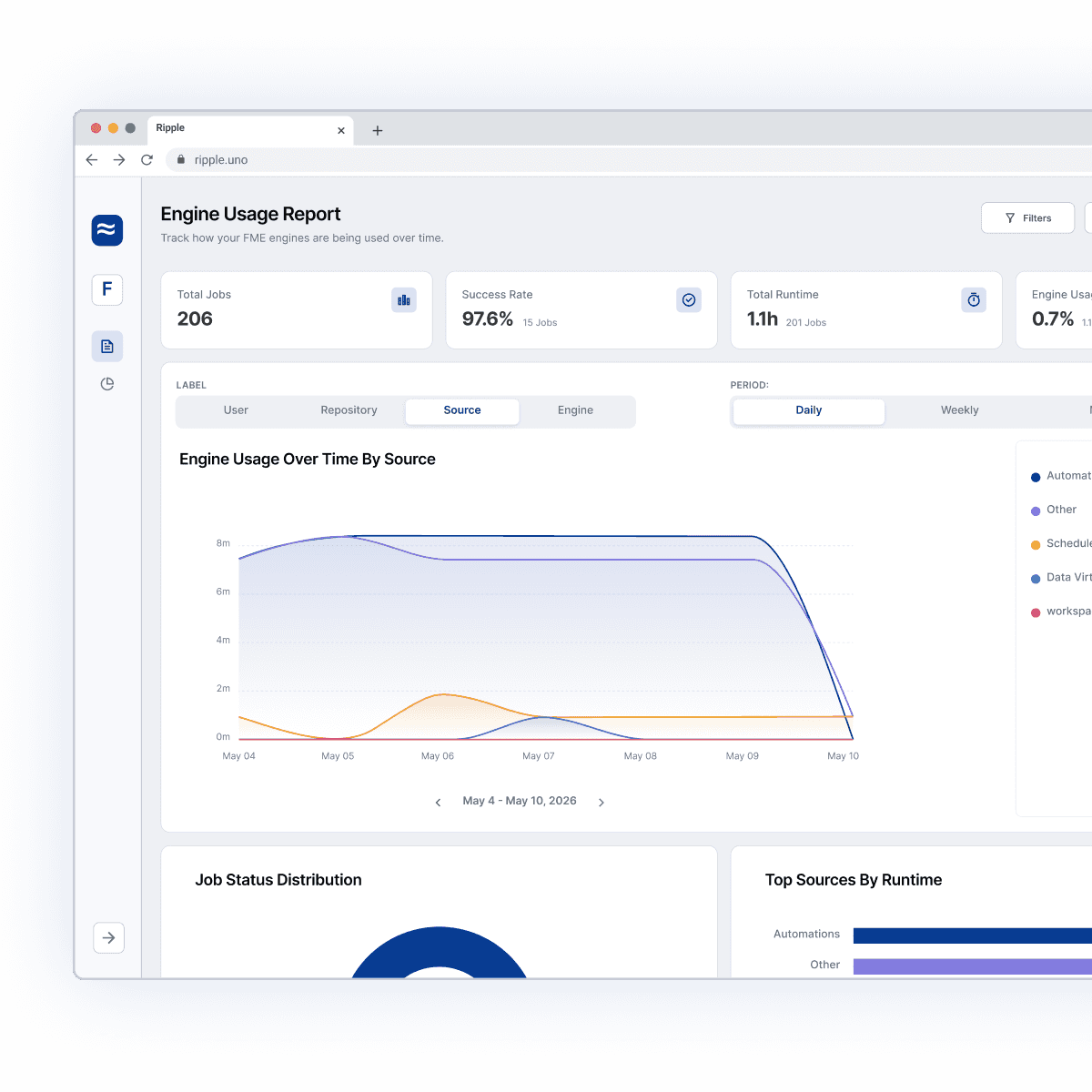
Track quality, activity, storage, and licence usage over time. Export clear reports for renewals, internal reviews or board meetings. Build the case for budget conversations with evidence, not guesswork.

Who Ripple Helps
Who Ripple Helps
Built for everyone on the team.
Built for everyone on the team.
Built for everyone on the team.
Whether you're scoping a change, justifying a renewal, or finding your feet in a new role, Ripple was shaped around how you work.
Whether you're scoping a change, justifying a renewal, or finding your feet in a new role, Ripple was shaped around how you work.

The full picture, in one place
See everything across your ArcGIS and FME environments, wherever they live.
The full picture, in one place
See everything across your ArcGIS and FME environments, wherever they live.

Diagnose problems faster
When something breaks, or a user has a question, trace it to its source in minutes, not hours.
Diagnose problems faster
When something breaks, or a user has a question, trace it to its source in minutes, not hours.
Scope changes without breaking things
See what depends on what before you make a change, so cleanup doesn't cause downtime.
Scope changes without breaking things
See what depends on what before you make a change, so cleanup doesn't cause downtime.

Bring junior staff up to speed
Give new and junior team members the context they need, without elevated permissions.
Bring junior staff up to speed
Give new and junior team members the context they need, without elevated permissions.
Justify your licences with confidence
Track usage, activity and storage, and walk into budget conversations with the evidence on hand.
Justify your licences with confidence
Track usage, activity and storage, and walk into budget conversations with the evidence on hand.

Make sense of inherited work
Spend minutes, not days, getting up to speed on systems built by people who've long since left.
Make sense of inherited work
Spend minutes, not days, getting up to speed on systems built by people who've long since left.
Required Licence
Required Licence
What you need to run Ripple.
What you need to run Ripple.
What you need to run Ripple.
One licence is all you need to get going. No new servers, no extra setup, nothing else to procure.
One licence is all you need to get going. No new servers, no extra setup, nothing else to procure.
FME Flow, by Safe Software.
Ripple needs an FME Flow licence to run. From there, it maps all your content across your ArcGIS and FME environments and brings it all together in one place.
FME Flow, by Safe Software.
Ripple needs an FME Flow licence to run. From there, it maps all your content across your ArcGIS and FME environments and brings it all together in one place.

FME Flow
By Safe Software
FME Flow
By Safe Software
FME Flow
By Safe Software
Our Partners
Our Partners
Ripple is proud to be an official Partner of Safe Software.
Ripple is proud to be an official Partner of Safe Software.
Ripple is proud to be an official Partner of Safe Software.
Our technology leverages the power of FME and reflects Safe Software’s commitment to innovation - helping organisations stay adaptable, future-ready, and data-driven in an ever-evolving landscape.
At Ripple, we’re dedicated to delivering purposeful, innovative tools that uphold these shared values.
“Ripple understands the unique data challenges organisations face and helps transform complexity into clear solutions. Their focus on customer success makes them a natural partner for Safe Software.”
Andrea Eisma - Product Manager, Processing, Safe Software
Our technology leverages the power of FME and reflects Safe Software’s commitment to innovation - helping organisations stay adaptable, future-ready, and data-driven in an ever-evolving landscape.
At Ripple, we’re dedicated to delivering purposeful, innovative tools that uphold these shared values.
“Ripple understands the unique data challenges organisations face and helps transform complexity into clear solutions. Their focus on customer success makes them a natural partner for Safe Software.”
Andrea Eisma - Product Manager, Processing, Safe Software
Our Partners
Our Partners
Local partners who know your region.
Local partners who know your region.
Local partners who know your region.
In Ireland and Benelux, you can buy and get support for Ripple in your own region. Our trusted partners know the local GIS landscape inside out.
In Ireland and Benelux, you can buy and get support for Ripple in your own region. Our trusted partners know the local GIS landscape inside out.
In Ireland and Benelux, you can buy and get support for Ripple in your own region. Our trusted partners know the local GIS landscape inside out.


Ireland

UK
IMGS Data Builders
Contact: Garrett Cronin
Long-standing geospatial specialists serving organisations across Ireland and the United Kingdom.
Ireland
UK
IMGS Data Builders
Contact: Garrett Cronin
Long-standing geospatial specialists serving organisations across Ireland and the United Kingdom.
Ireland
UK
IMGS Data Builders
Contact: Garrett Cronin
Long-standing geospatial specialists serving organisations across Ireland and the United Kingdom.


Benelux
Vinc Data
Contact: Veerle Goossens
A specialist FME and spatial data consultancy serving the Benelux Region - Belgium, the Netherlands and Luxembourg.
Benelux
Vinc Data
Contact: Veerle Goossens
A specialist FME and spatial data consultancy serving the Benelux Region - Belgium, the Netherlands and Luxembourg.
Benelux
Vinc Data
Contact: Veerle Goossens
A specialist FME and spatial data consultancy serving the Benelux Region - Belgium, the Netherlands and Luxembourg.
Not in one of these regions, but still want Ripple?
One licence is all you need to get going.
No new servers, no extra setup, nothing else to procure.
Not in one of these regions, but still want Ripple?
Security
Your data stays with you
Your data stays with you
Your data stays with you
Ripple runs entirely within your existing infrastructure, using your own FME Flow and ArcGIS Online licences. All discovery and processing happen locally inside your systems.
Ripple runs entirely within your existing infrastructure, using your own FME Flow and ArcGIS Online licences. All discovery and processing happen locally inside your systems.
FAQ
The answers to your questions
Explore the most common topics customers ask about Ripple.
Can I use Ripple if I only have FME, not ArcGIS?
Yes. Ripple only requires an FME Flow licence to run. If you also have ArcGIS, Ripple connects to it and traces relationships between the two platforms. If not, you still get full visibility within your FME environment.
How is Ripple priced?
Pricing is based on the number of environments you want to run Ripple on. Any one ArcGIS Online, ArcGIS Portal, or FME Flow instance counts as one environment. Ripple doesn't charge per user, so you can give access to as many people as you like. Get in touch, and we'll share details.
Is there a free trial?
Yes. Ripple offers a free trial so you can see how it works in your own environment with your own data. If you'd like a hand getting set up, we're happy to walk you through it.
How do I deploy Ripple?
Ripple is deployed onto your existing FME Flow via a project file. There's no software to run on a machine. The Ripple configuration is simply added to FME Flow and you're up and running.
How do I log in?
Ripple uses your existing FME Flow credentials, so there are no new accounts to manage. Authentication is handled through FME Flow Web Connections using OAuth 2.0, the recommended method for FME and ArcGIS. If you have Active Directory sign-on configured, that works too.
Where is my data stored?
Ripple stores data on your own FME Flow instance, or at another network location of your choosing that's accessible to FME Flow. Either way, no data ever leaves your existing GIS ecosystem. Nothing is transmitted off your network.
Does Ripple connect to anything outside my network?
No. Ripple is designed to run offline from a server perspective. The only communication is between your FME Flow instance and your connected ArcGIS or FME environments. If those are already configured, no new firewall or URL changes are needed. Users just need browser access to FME Flow from their own machine.
How do I get support for Ripple?
Support is always available, whether it's setup, troubleshooting or keeping things running smoothly. Head to the Support page to lodge a query. We also work closely with our reseller partners, who provide frontline support in your local timezone.
Still looking for an answer or have some more technical questions? Check out our our Technical FAQ Page →
FAQ
The answers to your questions
Explore the most common topics customers ask about Ripple.
How do I get support for Ripple?
Support is always available, whether it's setup, troubleshooting or keeping things running smoothly. Head to the Support page to lodge a query. We also work closely with our reseller partners, who provide frontline support in your local timezone.
Does Ripple connect to anything outside my network?
No. Ripple is designed to run offline from a server perspective. The only communication is between your FME Flow instance and your connected ArcGIS or FME environments. If those are already configured, no new firewall or URL changes are needed. Users just need browser access to FME Flow from their own machine.
Where is my data stored?
Ripple stores data on your own FME Flow instance, or at another network location of your choosing that's accessible to FME Flow. Either way, no data ever leaves your existing GIS ecosystem. Nothing is transmitted off your network.
How do I log in?
Ripple uses your existing FME Flow credentials, so there are no new accounts to manage. Authentication is handled through FME Flow Web Connections using OAuth 2.0, the recommended method for FME and ArcGIS. If you have Active Directory sign-on configured, that works too.
How do I deploy Ripple?
Ripple is deployed onto your existing FME Flow via a project file. There's no software to run on a machine. The Ripple configuration is simply added to FME Flow and you're up and running.
Is there a free trial?
Yes. Ripple offers a free trial so you can see how it works in your own environment with your own data. If you'd like a hand getting set up, we're happy to walk you through it.
How is Ripple priced?
Pricing is based on the number of environments you want to run Ripple on. Any one ArcGIS Online, ArcGIS Portal, or FME Flow instance counts as one environment. Ripple doesn't charge per user, so you can give access to as many people as you like. Get in touch, and we'll share details.
Can I use Ripple if I only have FME, not ArcGIS?
Yes. Ripple only requires an FME Flow licence to run. If you also have ArcGIS, Ripple connects to it and traces relationships between the two platforms. If not, you still get full visibility within your FME environment.
Still looking for an answer or have some more technical questions? Check out our our Technical FAQ Page →
FAQ
The answers to your questions
Explore the most common topics customers ask about Ripple.
Can I use Ripple if I only have FME, not ArcGIS?
Yes. Ripple only requires an FME Flow licence to run. If you also have ArcGIS, Ripple connects to it and traces relationships between the two platforms. If not, you still get full visibility within your FME environment.
How is Ripple priced?
Pricing is based on the number of environments you want to run Ripple on. Any one ArcGIS Online, ArcGIS Portal, or FME Flow instance counts as one environment. Ripple doesn't charge per user, so you can give access to as many people as you like. Get in touch, and we'll share details.
Is there a free trial?
Yes. Ripple offers a free trial so you can see how it works in your own environment with your own data. If you'd like a hand getting set up, we're happy to walk you through it.
How do I deploy Ripple?
Ripple is deployed onto your existing FME Flow via a project file. There's no software to run on a machine. The Ripple configuration is simply added to FME Flow and you're up and running.
How do I log in?
Ripple uses your existing FME Flow credentials, so there are no new accounts to manage. Authentication is handled through FME Flow Web Connections using OAuth 2.0, the recommended method for FME and ArcGIS. If you have Active Directory sign-on configured, that works too.
Where is my data stored?
Ripple stores data on your own FME Flow instance, or at another network location of your choosing that's accessible to FME Flow. Either way, no data ever leaves your existing GIS ecosystem. Nothing is transmitted off your network.
Does Ripple connect to anything outside my network?
No. Ripple is designed to run offline from a server perspective. The only communication is between your FME Flow instance and your connected ArcGIS or FME environments. If those are already configured, no new firewall or URL changes are needed. Users just need browser access to FME Flow from their own machine.
How do I get support for Ripple?
Support is always available, whether it's setup, troubleshooting or keeping things running smoothly. Head to the Support page to lodge a query. We also work closely with our reseller partners, who provide frontline support in your local timezone.
Still looking for an answer or have some more technical questions? Check out our our Technical FAQ Page →
Ripple in Action
Try Ripple in your own environment.
The free trial gives you Ripple running against your own FME Flow instance, so you can see the relationships in your own data within minutes.
Ripple in Action
Try Ripple in your own environment.
The free trial gives you Ripple running against your own FME Flow instance, so you can see the relationships in your own data within minutes.
Ripple in Action
Try Ripple in your own environment.
The free trial gives you Ripple running against your own FME Flow instance, so you can see the relationships in your own data within minutes.

The Content Management Platform for GIS
© 2026 Ripple


The Content Management Platform for GIS
© 2026 Ripple
The Content Management Platform for GIS
© 2026 Ripple