Technical FAQ
Dive a little deeper
Find answers to some of the most common technical questions about Ripple - from architecture and data handling to FME integration and support.
Getting Started
How long does setup take?
Deployment itself takes under a minute. How quickly Ripple discovers your platforms depends on the size and complexity of your environments, but most users are up and running within an hour.
What do I need before I start?
You need an FME Flow licence. That's it. Ripple is deployed onto your existing FME Flow instance in under a minute, with no new servers and no external dependencies.
How do I deploy Ripple?
Ripple is deployed onto your existing FME Flow via a project file. There's no software to run on a machine. The Ripple configuration is simply added to FME Flow and you're up and running.
Is there a free trial?
Yes. Ripple offers a free trial so you can see how it works in your own environment with your own data. If you'd like a hand getting set up, we're happy to walk you through it.
Can I use Ripple if I only have FME, not ArcGIS?
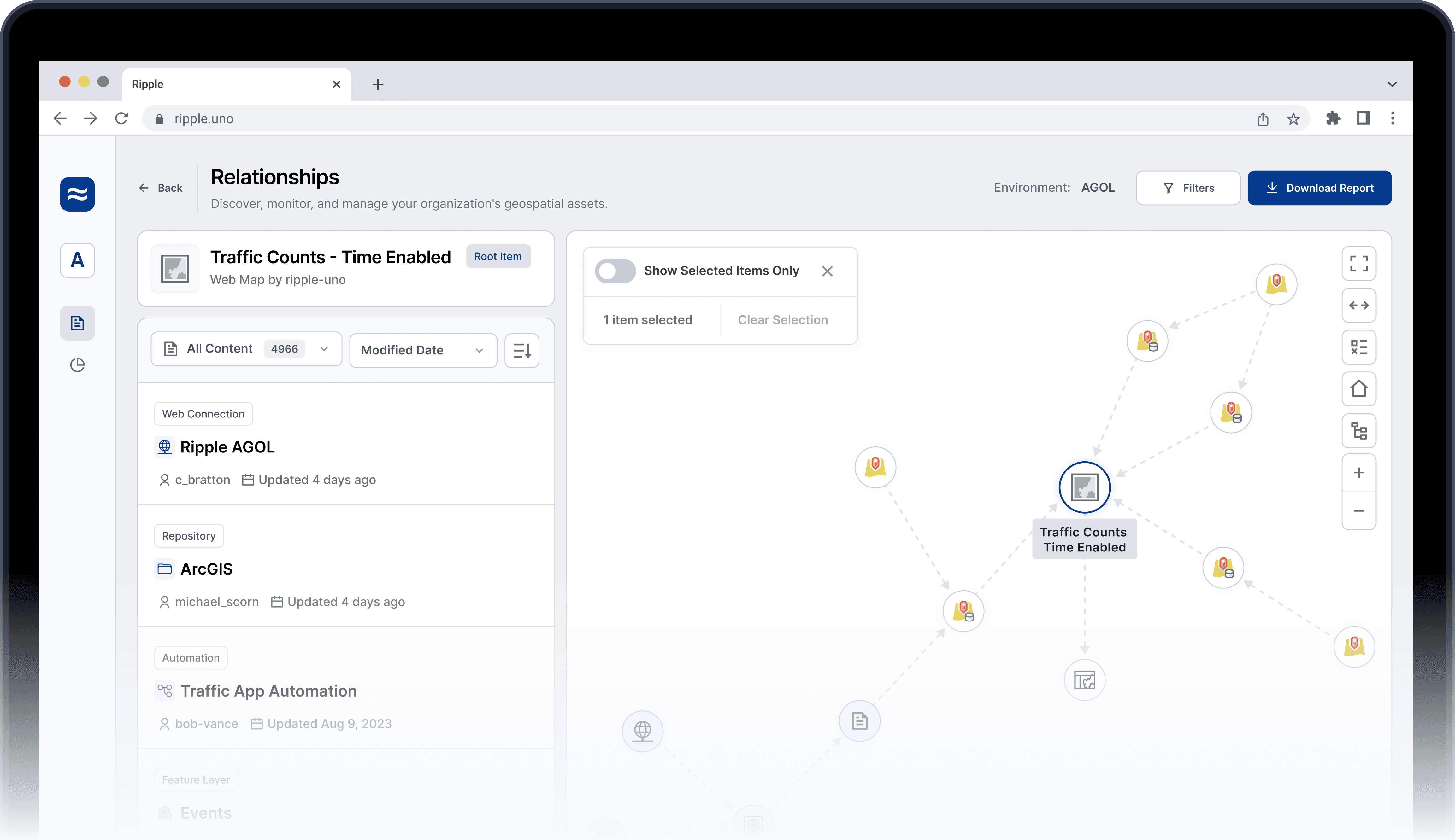
Yes. Ripple only requires an FME Flow licence to run. If you also have ArcGIS, Ripple connects to it and traces relationships between the two platforms. If not, you still get full visibility within your FME environment.
Technical FAQ
Dive a little deeper
Find answers to some of the most common technical questions about Ripple - from architecture and data handling to FME integration and support.
Getting Started
How long does setup take?
Deployment itself takes under a minute. How quickly Ripple discovers your platforms depends on the size and complexity of your environments, but most users are up and running within an hour.
What do I need before I start?
You need an FME Flow licence. That's it. Ripple is deployed onto your existing FME Flow instance in under a minute, with no new servers and no external dependencies.
How do I deploy Ripple?
Ripple is deployed onto your existing FME Flow via a project file. There's no software to run on a machine. The Ripple configuration is simply added to FME Flow and you're up and running.
Is there a free trial?
Yes. Ripple offers a free trial so you can see how it works in your own environment with your own data. If you'd like a hand getting set up, we're happy to walk you through it.
Can I use Ripple if I only have FME, not ArcGIS?
Yes. Ripple only requires an FME Flow licence to run. If you also have ArcGIS, Ripple connects to it and traces relationships between the two platforms. If not, you still get full visibility within your FME environment.
Technical FAQ
Dive a little deeper
Find answers to some of the most common technical questions about Ripple - from architecture and data handling to FME integration and support.
Getting Started
How long does setup take?
Deployment itself takes under a minute. How quickly Ripple discovers your platforms depends on the size and complexity of your environments, but most users are up and running within an hour.
What do I need before I start?
You need an FME Flow licence. That's it. Ripple is deployed onto your existing FME Flow instance in under a minute, with no new servers and no external dependencies.
How do I deploy Ripple?
Ripple is deployed onto your existing FME Flow via a project file. There's no software to run on a machine. The Ripple configuration is simply added to FME Flow and you're up and running.
Is there a free trial?
Yes. Ripple offers a free trial so you can see how it works in your own environment with your own data. If you'd like a hand getting set up, we're happy to walk you through it.
Can I use Ripple if I only have FME, not ArcGIS?
Yes. Ripple only requires an FME Flow licence to run. If you also have ArcGIS, Ripple connects to it and traces relationships between the two platforms. If not, you still get full visibility within your FME environment.
Learn More
Still have questions?
If your question isn't covered here, we're happy to help. You can ask a specific question, start a free trial in your own environment, or just have a chat about whether Ripple is the right fit.
Learn More
Still have questions?
If your question isn't covered here, we're happy to help. You can ask a specific question, start a free trial in your own environment, or just have a chat about whether Ripple is the right fit.
Learn More
Still have questions?
If your question isn't covered here, we're happy to help. You can ask a specific question, start a free trial in your own environment, or just have a chat about whether Ripple is the right fit.

The Content Management Platform for GIS
© 2026 Ripple

The Content Management Platform for GIS
© 2026 Ripple
The Content Management Platform for GIS
© 2026 Ripple